
 By
By 
Living with bipolar disorder often means navigating shifting moods, sleep changes, energy swings, and complex medication schedules all at once. Bipolar disorder apps and mobile mental health tools can help you notice patterns, spot early warning signs, and stay more connected to your treatment plan between appointments. The best bipolar disorder apps combine mood tracking, medication reminders, and coping skills in one easy-to-use platform.
Researchers note that people with bipolar disorder are generally open to using smartphone apps and digital mental health tools for self-monitoring, psychoeducation, and reminders, although the evidence for each specific bipolar disorder app is still evolving. These mental health apps for bipolar disorder are not cures, but they can be valuable day-to-day supports when used together with therapy, medication, and crisis resources. Many people find that combining bipolar apps with professional treatment offers better results than either approach alone.

What bipolar apps can and can’t do
Smartphone apps for bipolar disorder can support several key parts of care: tracking symptoms, stabilizing daily routines, encouraging medication adherence, and practicing coping skills such as relaxation or mindfulness. Some tools even use frequent check‑ins or passive phone data to detect mood changes and offer tailored suggestions.
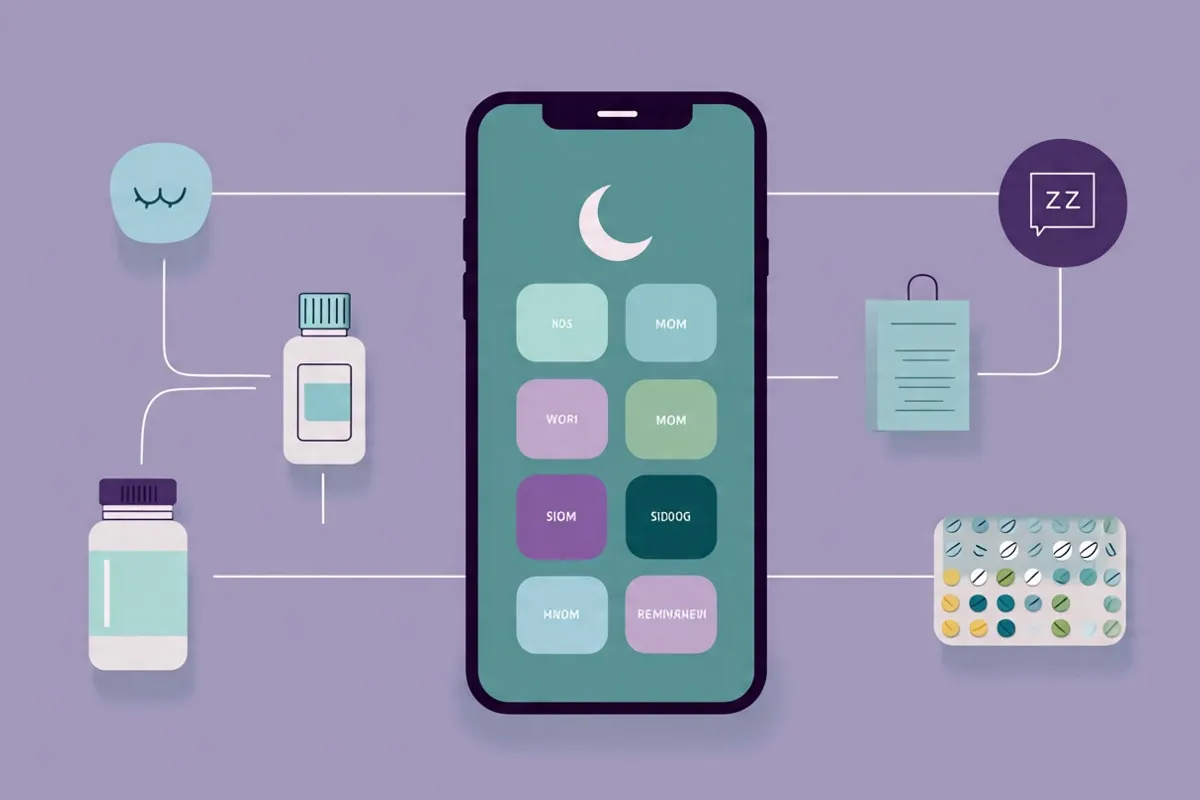
At the same time, large reviews show mixed results on whether apps alone reduce the severity of manic or depressive symptoms over the long term. Because of this, experts recommend viewing apps as helpful add‑ons to your existing treatment rather than standalone solutions.
How to choose a safe bipolar app
When selecting a bipolar disorder app, it helps to look for clear, practical features instead of just a polished design. The best bipolar disorder apps for daily use include proven mood-tracking capabilities and research-backed features. Useful features to prioritize when choosing bipolar apps may include:
-
Simple mood and symptom tracking
-
Sleep and activity logging
-
Medication lists and reminders
-
Psychoeducation written or reviewed by clinicians
-
Easy data export to share with your care team.
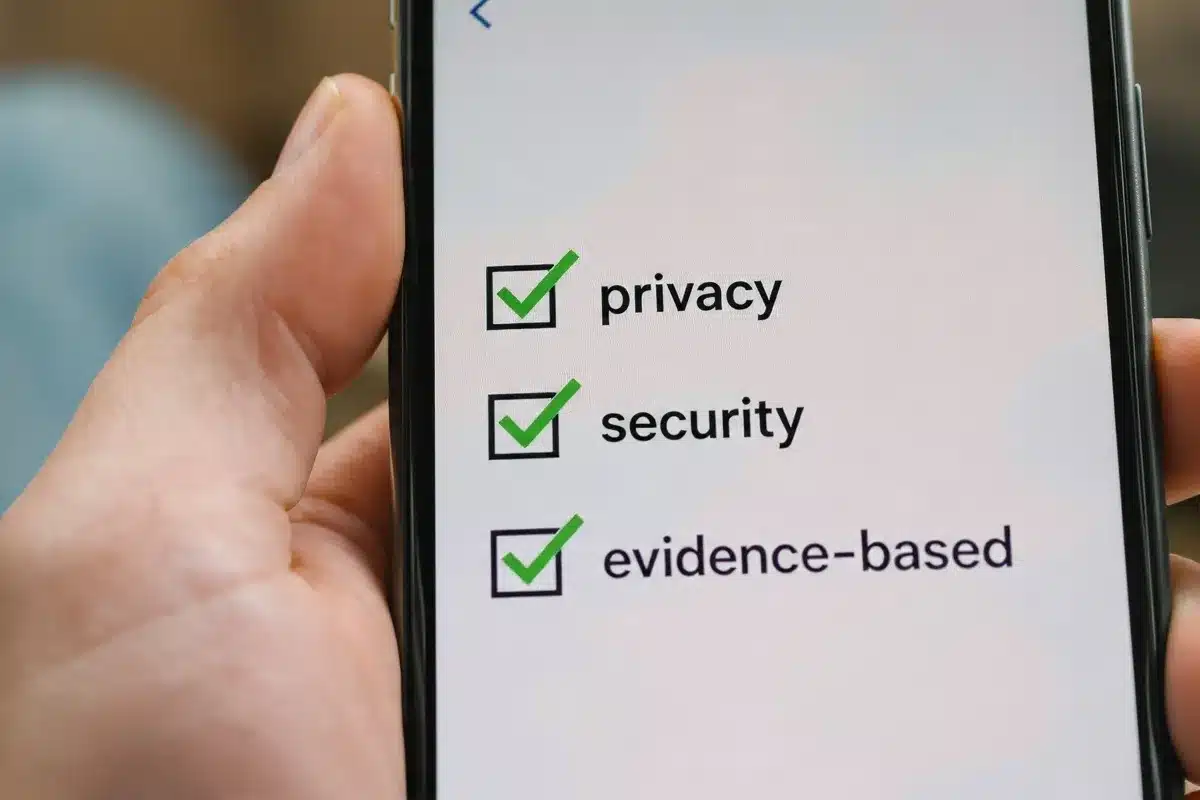
Privacy and safety are just as important. Check whether the app explains how your data are stored, who can access them, and whether information is sold or shared with third parties. If you are unsure, ask your psychiatrist, therapist, or primary‑care clinician which apps they have seen their patients use safely.
Best mood‑tracking apps for bipolar disorder
 1. eMoods Bipolar Mood Tracker
 1. eMoods Bipolar Mood Tracker
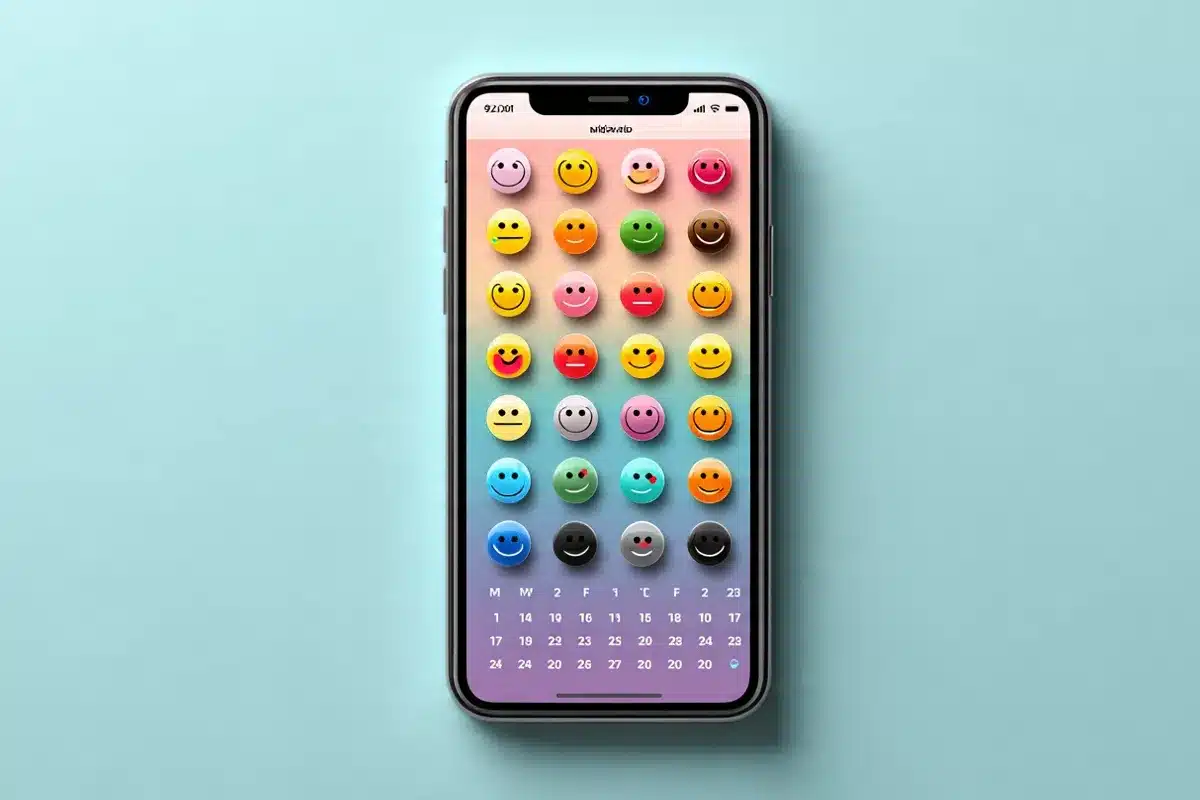
eMoods is a mood‑tracking app designed specifically for people with bipolar disorder and other mood conditions. Each day, you can log depressed and elevated mood, sleep, medications, and symptoms such as irritability or anxiety in a quick, color‑coded chart.
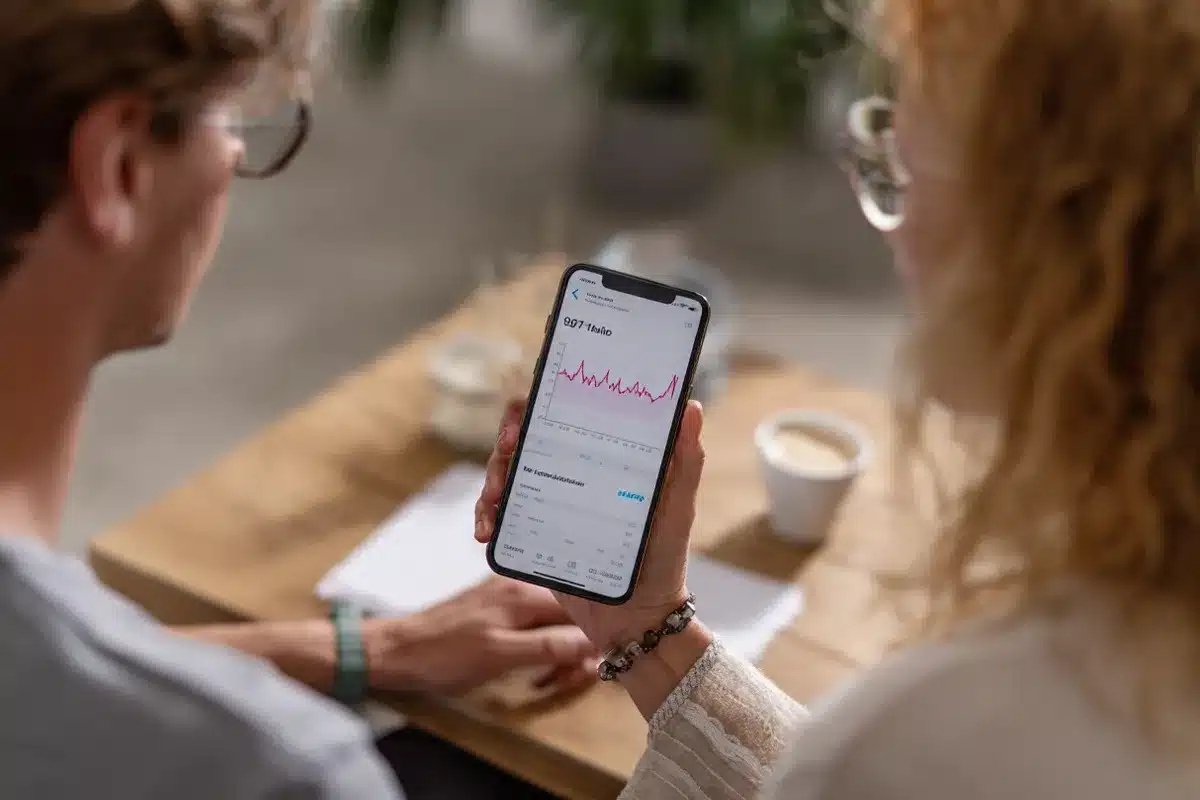
At the end of the month, eMoods generates printable PDF reports and graphs that you can email or show to your doctor or therapist. These summaries make it easier to connect episodes or mood swings with triggers such as stress, poor sleep, or medication changes and to adjust your treatment accordingly.
2. T2 Mood Tracker
T2 Mood Tracker was originally developed to help service members and veterans record symptoms like anxiety, stress, depression, and general well‑being. Users rate their mood on sliding scales and can add notes about important events or triggers during the day.
The app then converts these ratings into graphs that show how your mood changes over time. For people using bipolar disorder apps like T2 Mood Tracker, it can be a practical way to track both low and high states, along with related issues such as anxiety or trauma symptoms. Many people with bipolar disorder appreciate apps that combine simplicity with powerful tracking features.
3. Simple mood journal apps
Some people prefer very simple mood journals like Mood Log or other lightweight trackers. These apps usually let you record your mood multiple times per day, attach tags or emojis, and review basic charts over days and weeks.
A straightforward mood journal can work well if you want to log how you feel without a lot of extra features. It can also be a good starting point if you find more complex apps overwhelming during depressive episodes or periods of low concentration.
Apps for medication and daily routines
4. Medisafe Medication Reminder
Staying consistent with medication is a major part of bipolar treatment, but busy schedules and side effects can make adherence challenging. Medisafe is a widely used medication‑reminder app that lets you enter your prescriptions, set dose times, and receive alerts when it is time to take them.
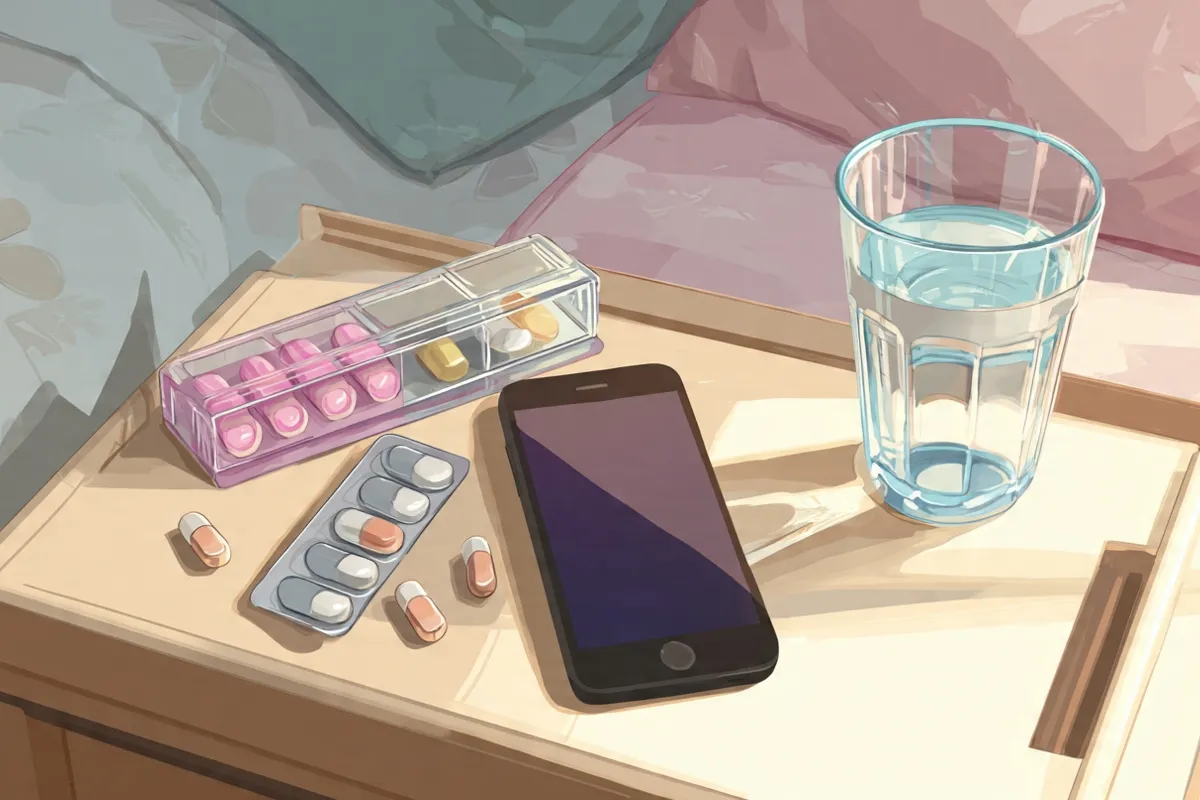
The app also shows which doses you have taken or missed and can remind you about refills so you do not run out unexpectedly. Many people pair a medication app like Medisafe with a mood tracker to see how consistent dosing relates to mood stability over time.
5. Habit and routine apps
Bipolar disorder apps for routine management work best when combined with regular routines—especially for sleep, meals, and activity—are important for stabilizing mood. Many bipolar apps now include habit-tracking tools to help you keep a consistent wake-up time, schedule meals, and build habits such as daily walks or journaling. Using bipolar apps alongside habit tracking can strengthen your recovery plan.
By checking off habits each day, you can see how well you are sticking to your routine and how that might relate to mood changes in your tracking app. Some people find that combining a routine app with sleep tracking and mood charts gives a clearer picture of early warning signs.
Apps for sleep, mindfulness, and stress
6. Sleep‑tracking apps
Sleep disruption is often tied to mood episodes in bipolar disorder, and early changes in sleep can sometimes signal that a high or low is coming. Many bipolar disorder apps now include sleep-tracking features to help you monitor patterns. Sleep-tracking apps in bipolar management use your phone’s sensors or wearable data to estimate sleep duration and patterns and may provide gentle alarms to wake you during lighter sleep.

While these apps are not medical devices, they can help you notice trends such as several nights of very short sleep before feeling unusually energized. Sharing this information with your clinician can support more proactive adjustments to your plan.
7. MyLife Meditation and similar mindfulness apps
Mindfulness and breathing exercises are effective additions to bipolar disorder apps, helping reduce everyday stress, which is a common trigger for mood instability. Many bipolar apps now integrate meditation tools to support emotional balance. Apps like MyLife Meditation (formerly Stop, Breathe & Think) invite you to check in with how you feel and suggest short meditations or breathing practices based on your current state.

These practices can be especially useful during early signs of agitation or anxiety, offering quick ways to pause and recenter. Many people also track how often they meditate and compare that to mood charts to see whether regular practice supports more stable days.
CBT and thought‑diary apps
8. CBT‑style thought diaries
Cognitive behavioral therapy (CBT) helps you identify unhelpful thoughts and replace them with more balanced perspectives. CBT thought‑diary apps guide you through writing down automatic thoughts, labeling thinking patterns, and practicing alternative responses.

For people with bipolar disorder considering mental health apps, thought diary tools included in bipolar disorder apps can be helpful during both depressive and elevated states, when thinking styles can shift quickly. CBT apps for bipolar disorder help you record thoughts in real time, making it easier to work on them later with your therapist instead of trying to remember what you were thinking during an intense moment. Many bipolar disorder apps now integrate CBT features for better cognitive management.
New and research‑driven bipolar apps
9. Research self‑monitoring apps (for example, KIOS‑Bipolar)
Several research teams are building advanced self‑monitoring apps that tailor feedback based on many different symptoms and behaviors. In one recent open trial of a self‑management app for bipolar disorder, participants who used the tool showed large reductions in depressive and manic symptoms and reported high usability scores.

These early results suggest digital self‑monitoring can be a useful addition to primary‑care treatment for some people. However, most of these tools are still in research settings, so access may be limited and larger studies are needed to confirm long‑term benefits and safety.
10. PolarUs and quality‑of‑life apps
The PolarUs app focuses on helping people with bipolar disorder improve quality of life by tracking what supports or challenges their well‑being. Instead of looking only at symptoms, it highlights personal goals, relationships, and meaningful activities.
Qualitative research suggests that people value apps that feel collaborative and help them learn more about their own patterns rather than just collecting data. Tools like PolarUs aim to offer that kind of experience by combining self‑monitoring with practical strategies chosen by users.
Tips for using bipolar apps safely
Digital mental health tools and bipolar disorder apps are promising, but they are not risk-free. Some studies have found that symptom-monitoring in bipolar disorder apps may be linked with increased depressive symptoms for certain users, possibly because of over-focusing on problems. Because of this, when using bipolar apps, it is important to pay attention to how you feel while using an app and to take breaks if constant tracking increases your distress.
To use bipolar disorder apps more safely and effectively:
-
Discuss any new app with your clinician
-
Decide together what to track and how often
-
Use app reports as conversation starters in sessions
-
Avoid relying on apps in emergencies or crises.

If you have thoughts of self‑harm or feel that you may be entering a severe manic or depressive episode, contact local emergency services or crisis hotlines instead of using an app alone.
Conclusion: building your digital toolkit

Bipolar disorder apps cannot replace your doctor or therapist, but they can give you more information, structure, and support in everyday life. By carefully choosing tools that fit your needs, respecting your privacy, and using them alongside professional care, you can build a digital toolkit that helps you better understand and manage your mood patterns.
If you decide to try one or two of these apps, consider tracking your experience for a few weeks and then reviewing the data with your clinician. Together, you can decide what to keep, what to change, and how technology can best support your long‑term stability and quality of life.
FAQs about bipolar disorder apps
1. Are bipolar disorder apps a replacement for treatment?
No. Evidence shows that apps can support self‑monitoring, education, and routine building, but they do not replace medication, psychotherapy, or crisis services.
2. Do apps really help prevent mood episodes?
Some studies suggest that tracking and early‑warning alerts may help detect shifts earlier, but results are mixed and more research is needed. Apps should be seen as tools to support your existing plan, not guaranteed protection from episodes.
3. Are there risks to using mental health apps?
Yes, a large review found that symptom‑monitoring tools may increase depressive symptoms in some users and that app engagement often drops over time. This makes it important to monitor your own reactions and to use apps with guidance from a clinician.
4. How many apps should I use at once?
Most people do best starting with one or two apps, such as a mood tracker and a medication reminder, and then adding more only if they clearly add value. Too many apps can become confusing and may make it harder to stick with any of them consistently.
5. Are bipolar apps free?
Many mood‑tracking apps, including eMoods, have free versions with core features, while some offer paid upgrades or subscriptions. When deciding what to use, consider both cost and whether the app improves your daily management enough to justify a paid plan.
6. Can I use these apps if I have more than one diagnosis?
Yes. Many tools are designed for multiple conditions such as depression, anxiety, PTSD, and bipolar disorder. Just be sure to mention all of your diagnoses to your clinician so you can choose apps that match your overall treatment plan.
7. What should I ask my doctor before using a bipolar app?
You might ask which symptoms or behaviors are most important to track, how often to log data, and how your doctor would like to review app reports. It also helps to clarify what to do if your app shows concerning changes or if tracking itself starts to feel overwhelming.mental.jmir+1
You can now expand each section with extra examples, brief personal‑style scenarios, and internal links to reach your 3,000‑word target while keeping this structure and tone.
References:
-
- https://pmc.ncbi.nlm.nih.gov/articles/PMC12079407/
- https://mental.jmir.org/2024/1/e58631
- https://mental.jmir.org/2020/9/e19476/
- https://pmc.ncbi.nlm.nih.gov/articles/PMC7539167/
- https://www.nature.com/articles/s41746-024-01388-y
- https://www.healthline.com/health/bipolar-disorder/bipolar-disorder-mood-tracking-benefits-and-how-it-works
- https://pmc.ncbi.nlm.nih.gov/articles/PMC11845010/
- https://journals.plos.org/digitalhealth/article?id=10.1371%2Fjournal.pdig.0001017
- https://kidshelpline.com.au/tools/apps/emoods-bipolar-mood-tracker
- https://www.biz4group.com/blog/build-bipolar-disorder-app













Comments